
GTA VI: how to switch characters and fast travel
Switching between Jason and Lucia, taxis, RydeMe, public transport, auto-drive and car delivery: every verified way to get around Leonida fast.
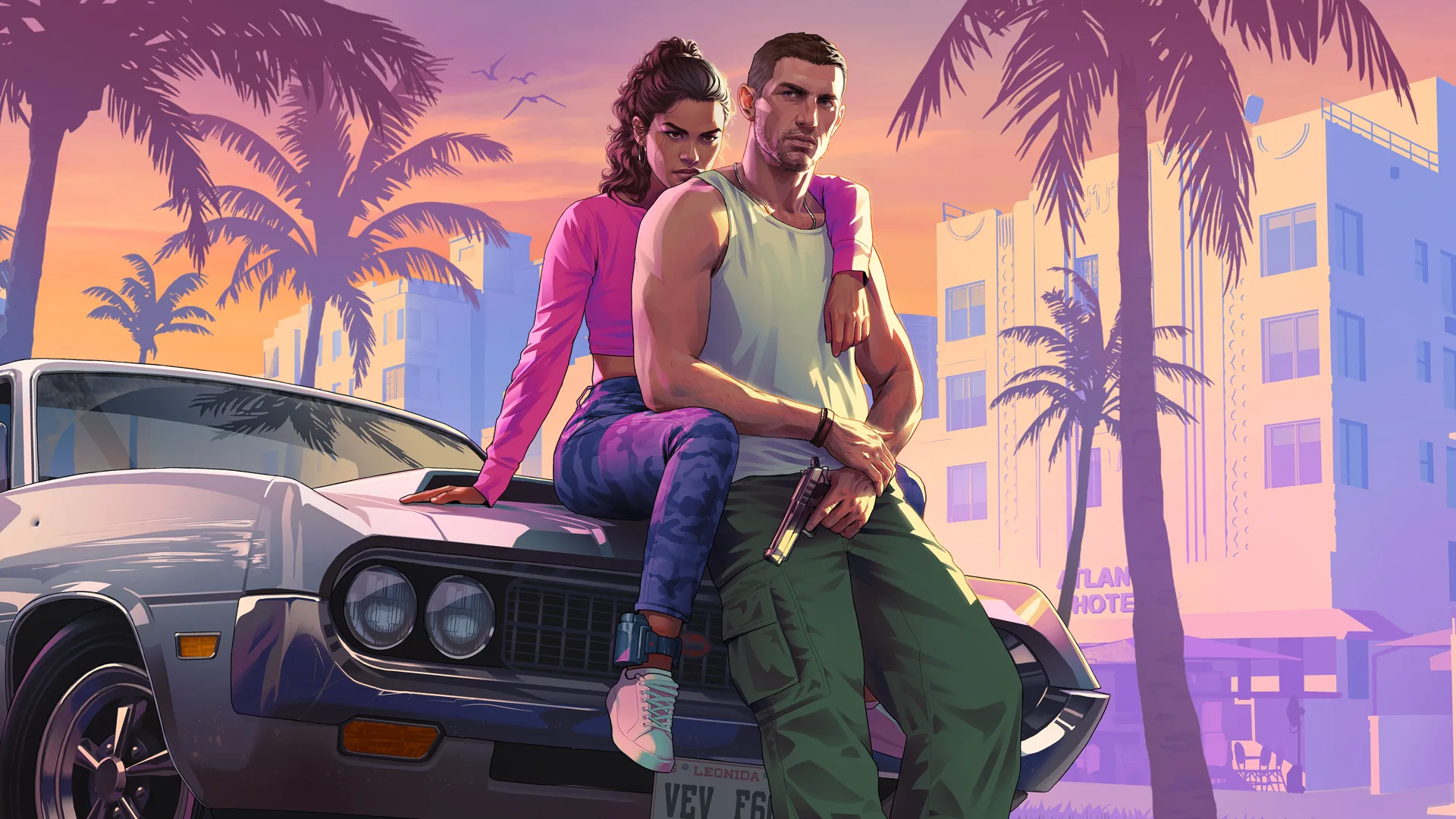
GTA VI has no click-on-the-map teleport: to cross Leonida quickly you rely on character switching, a driver or the game's transport network. This guide explains when each option unlocks, what it costs and how to use it, based on cross-checked guides. Controls are listed as PS5 / Xbox Series.
Switching characters: when can you do it?
- Chapter 1: you play as Jason; Lucia is only controlled during short story moments (PowerPyx, SVG).
- Free switching unlocks in Chapter 2, after the main mission Coffee Break (PowerPyx, GTA Boom; Beebom says "halfway through Chapter 2").
- Restrictions: some missions require a specific character, shown on the mission icon (PowerPyx, SVG, Beebom). A greyed-out portrait means you can't switch right now, for example while at home (PowerPyx, SVG).
Which missions belong to which character is covered in mission structure. Character pages: Jason Duval and Lucia Caminos.
Switching characters: how to do it
- Switch: hold D-pad Right, then press R1 / RB (PowerPyx, GTA Boom, Beebom).
- Meet up: from the same menu, Triangle / Y asks the other character to join you (PowerPyx); SVG and GTA Boom also describe meeting up with or calling your partner.
- Free travel: switching puts you wherever the other character is, at no cost (Beebom, GTA Boom). According to GTA Boom, you arrive at their position if they're close enough, otherwise at their safehouse.
Tip: leaving Jason and Lucia in two different regions (say one in Vice City and the other in Port Gellhorn) gives you two free starting points.
Passenger: let your partner drive
When Jason and Lucia share a vehicle, you can switch to the one in the passenger seat and let the other drive, for example to shoot during a chase (Beebom, SVG, All Things How). According to Beebom, from the passenger seat, holding D-pad Right then pressing Square / X asks the driver to speed up.
Paradise Taxi: available from the start
- Unlock: after the first mission, Gone Fishing (GTABase, PowerPyx, Bloxodes, GTA Boom).
- Calling: phone (D-pad Up) > Contacts > All Contacts > Paradise Taxi; the cab shows as a white car on the minimap (GTABase, PowerPyx, Bloxodes).
- Payment: cash, from the money your character carries (GTABase, Bloxodes, GTA Boom).
- Skipping the ride: once inside, hold L2 / LT to talk to the driver, then press Triangle / Y: $100 on top of the fare (GTABase, PowerPyx, Bloxodes). "Hurry Up" costs $5 and only speeds the drive up (Bloxodes, Beebom, GTA Boom).
- Destinations: you can target an undiscovered part of the map (PowerPyx, GTABase, Bloxodes). According to GTABase, taxis don't serve isolated spots such as remote keys or deep swamps.
RydeMe: the rideshare app
- Unlock: comes with the BuckMe bank account set up in the Buck Me mission (GTABase, Bloxodes, Beebom, GTA Boom); PowerPyx places the unlock in Chapter 2.
- Use: phone > RydeMe, pick a destination; the price is shown up front and rises with distance (GTABase, Beebom, GTA Boom).
- Payment: charged to your BuckMe account, no cash needed (GTABase, Bloxodes, GTA Boom).
- Skipping the ride: same button and same $100 surcharge as the taxi (GTABase, PowerPyx, Bloxodes).
- No driver available? Call Paradise Taxi (PowerPyx, GTABase, Bloxodes).
Because the surcharge is flat, skipping is better value on long trips (according to PowerPyx; single source, not cross-checked).
Public transport: buses, trains and ferry
Buses and trains run on fixed routes and timetables: go to a stop or station and wait for the next service; it's cheaper than a taxi or RydeMe (Beebom, GTA Boom, Bloxodes). Example stations on our map: Port Gellhorn Train Station, VCIA Train Station, Vice City Arts Center Metro Station; see also Leonida Metro.
A ferry links Waxman Island and Dalton Island for about $50 (Bloxodes, GTA Boom).
Note: sources contradict each other on skipping a train ride (Beebom: yes, for free; GTA Boom: yes, for a fee; Bloxodes: no). Check in game before relying on it.
Auto-drive (cinematic mode)
This isn't fast travel: your character actually drives to the waypoint, obeying traffic rules and red lights (Beebom, GamerBlurb, Overdrive). Handy for long, relaxed trips.
1. Set a waypoint on the map (Beebom, GamerBlurb).
2. In the vehicle, hold D-pad Down, then press Options / Menu to switch to the cinematic camera.
3. Hold Circle / B to start auto-drive.
4. L2 / LT slows down, R2 / RT speeds up; holding D-pad Down exits (Beebom, GamerBlurb, Overdrive).
If the option doesn't appear, Beebom and Overdrive recommend setting Settings > Gameplay > Auto Drive to "Unrestricted". According to GamerBlurb, it also works in boats if the destination can be reached by water.
Getting your vehicle delivered
- Chapter 1: Joey, in your contacts, repairs and delivers Jason's car for free (PowerPyx, GTA Boom).
- From Chapter 2: the Scooter Bros app unlocks after the Moses mission and delivers your registered vehicles to wherever you are for a small fee (PowerPyx, Bloxodes, GTA Boom). Vehicles can be registered at Moses's garage, among other places: see vehicle registration & Scooter Bros.
- Premium: a one-off $12,500 for three free deliveries a day (PowerPyx, GTA Boom).
PowerPyx's suggested combo: a taxi or RydeMe with the ride skipped, then Scooter Bros to get your own car on arrival.
Sources and verification
- PowerPyx – switching characters
- PowerPyx – fast travel
- PowerPyx – summoning vehicles
- GTABase – fast travel
- GTA Boom – public transport and fast travel
- Bloxodes – fast travel
- Bloxodes – Scooter Bros
- Beebom – fast travel
- Beebom – auto-drive
- GamerBlurb – auto-drive
- Overdrive – cinematic mode and auto-drive
- SVG – switching characters
- All Things How – fast travel
- All Things How – duo play
Last verified: 24/11/2026.